Invoices
An honest invoice in a minute, with no retyping.
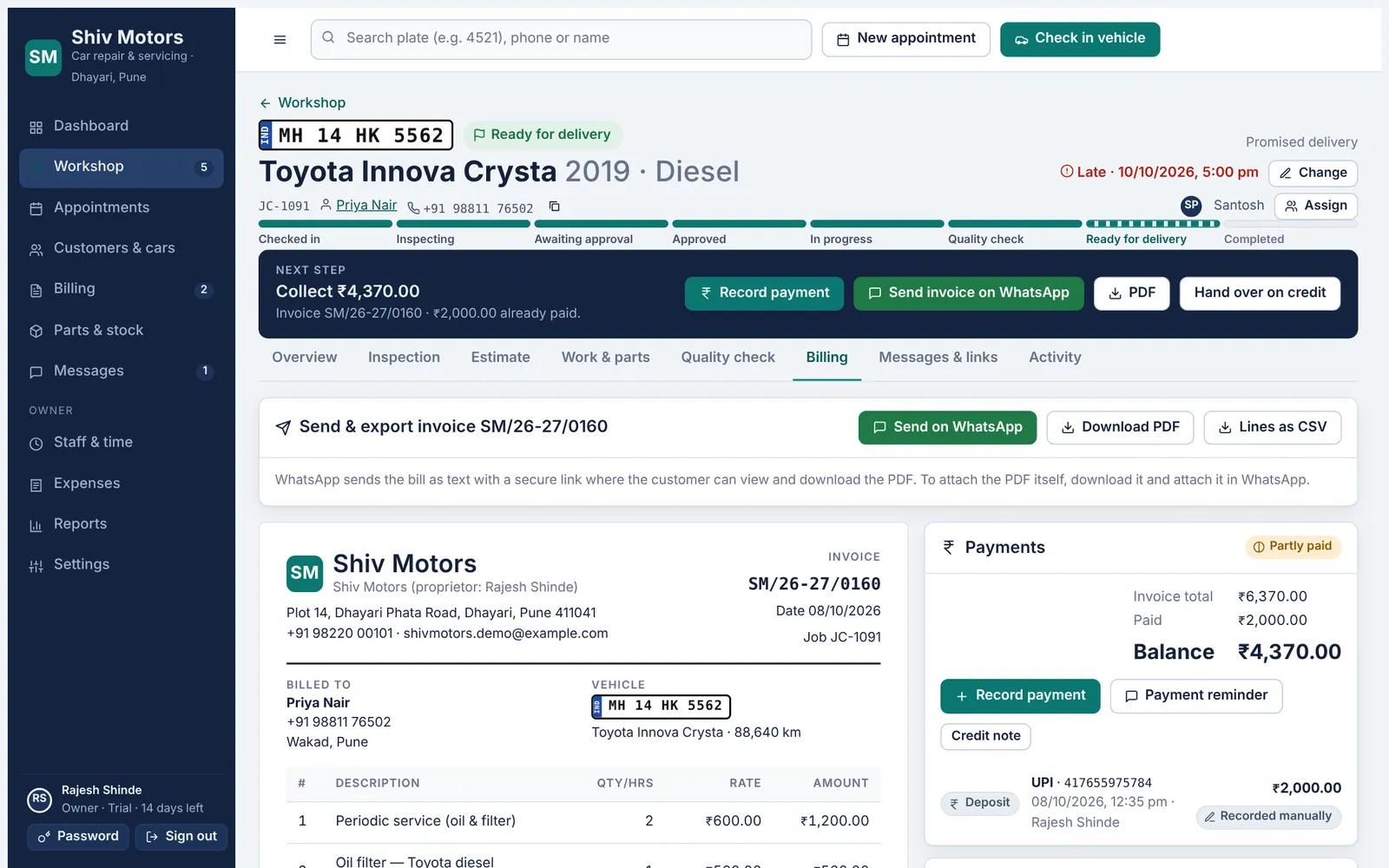
The invoice is built from the approved estimate and the parts actually fitted. Numbering follows your prefix and can restart every April. Once issued, an invoice is locked; corrections are made with a credit note, so your records always add up. Share it on WhatsApp with the customer’s link, download a PDF, or export the lines as CSV.
Included in every plan, from Starter up.
What you can do
No retyping
Lines come from approved work and fitted parts.
Your numbering
Set the prefix and starting number, with an optional restart each financial year.
Locked when issued
Issued invoices cannot be edited. Credit notes handle corrections and refunds.
PDF and CSV
Download a clean PDF for printing or attaching, or the lines as CSV.
UPI QR on the invoice
The balance and your UPI ID as a QR code customers can scan.
Round to the rupee
Optional rounding with the round-off shown on the invoice.
How it works
- Create the invoice from the job after quality check.
- Check the lines and issue it.
- Share it on WhatsApp or download the PDF.
- Record payments against it until the balance is zero.
Good to know
Can I edit an issued invoice?
No, by design. Issue a credit note for the difference; both stay in the records.
Can I add my logo and address?
Your garage name, address, phone and footer text appear on every invoice and PDF.
Can I print it?
Yes. Download the PDF and print it, or send it on WhatsApp.
Try invoices in your garage
Free for 14 days with every feature. Setup takes about ten minutes: add your mechanics, then check in a car.